

Log In/out
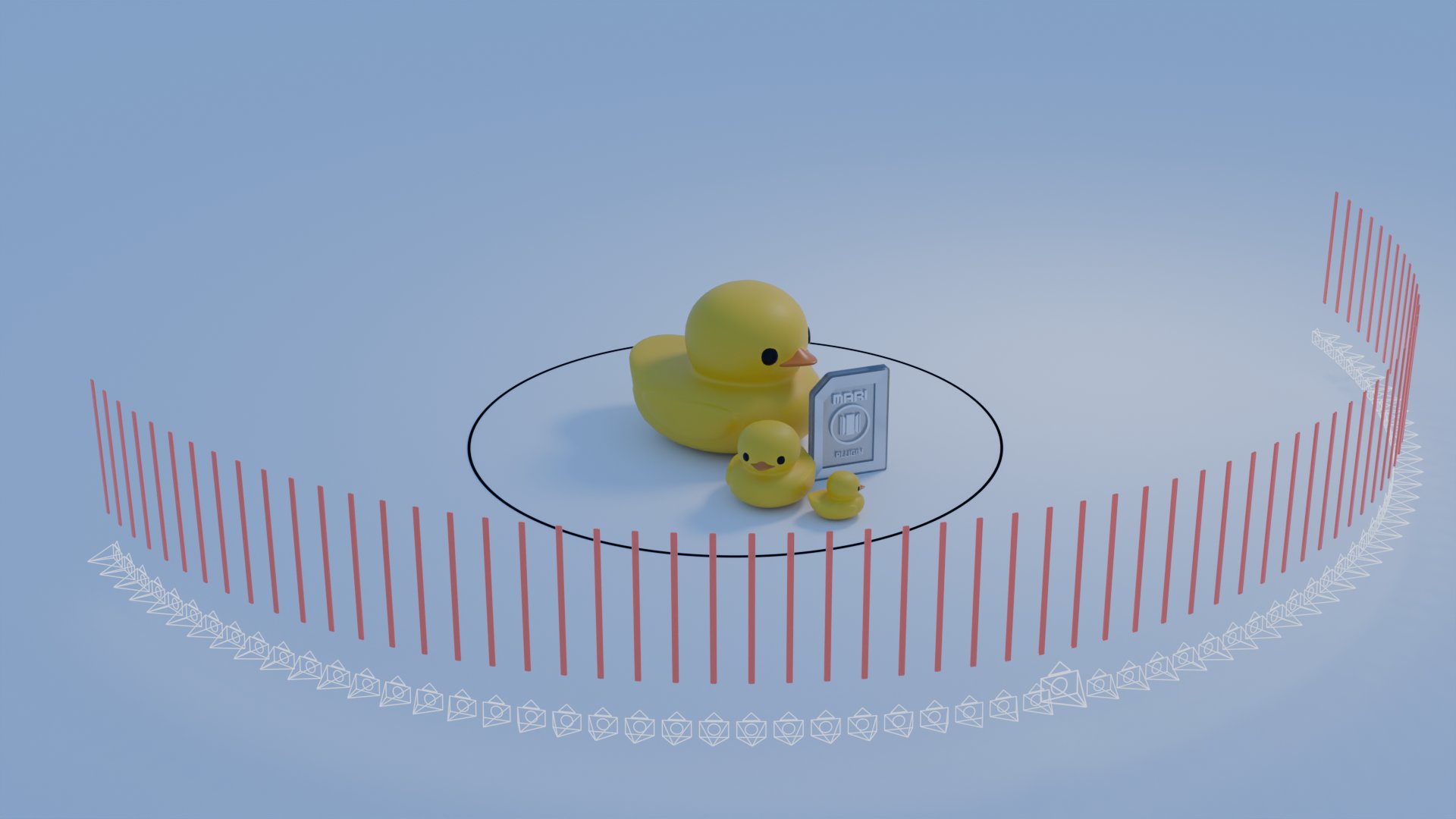
In the case you have already rendered a MARI media file, but want to reduce your file size, there are options to do so without re-rendering everything.
If you want to decrease the file size of the fully rendered folder containg MARI media:
If you choose to re-render your MARI media, please keep the following in mind.
Common optimization areas:
- Image compression and output format choices
- Balanced render resolution
- Camera count and angle density planning
Smaller MARI packages load faster and reach more viewers, especially on mobile or lower-bandwidth connections.
